Key takeaways
- The technical rider covers everything on stage, the hospitality rider everything off stage – both are part of the contract.
- Almost everything is negotiable, as long as you settle it before the show and put it in writing.
- Separate “reviewed” (we understand what is needed) from “done” (it is organised or on site).
- Hotel, travel and transfers from the rider belong in the budget right away – not in the final settlement.
What is a rider?
A rider is the appendix to a booking contract in which an artist or band sets out what they need for the performance. It ensures that artists can play under comparable conditions everywhere – from a 200-capacity club to a festival main stage. For you as a promoter, it is a shopping and task list with contractual weight.
It is usually split into two parts: the technical rider and the hospitality rider. For DJs it is often a single page; for bands with their own crew it can run to twenty pages, including a stage plot and input list.
Technical rider: what is needed on and around the stage
The technical rider lists the equipment and technical conditions. Typical contents include:
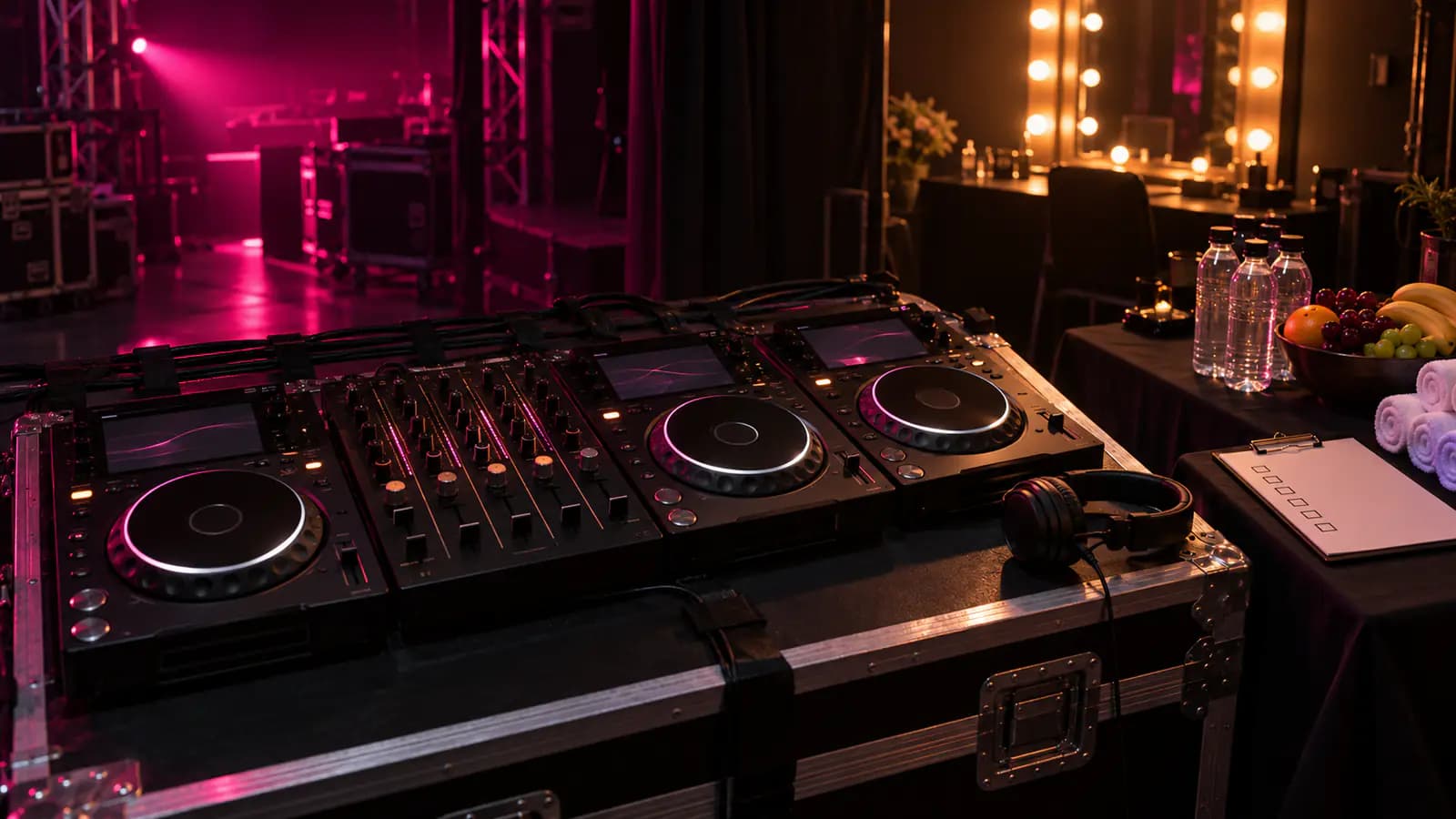
- DJ setup: players (e.g. 3× CDJ-3000), mixer (e.g. DJM-V10), monitors, a DJ booth at a specific height.
- Band backline: drums, amps, keyboards, DI boxes, microphones, in-ear or wedge monitoring.
- Stage plot and input list: who stands where and which desk channel is used for what.
- Power and lighting: power on stage, possibly specific lighting requests.
- Times: load-in, soundcheck, changeover from the previous act.
Check the technical rider against what is already on your stage first. What is there only needs confirming; what is missing has to be rented, brought by the artist or replaced with an alternative. When you plan your timetable, factor the changeover times from the rider in right away – a band changeover takes far longer than a DJ switch.
Hospitality rider: everything off stage
The hospitality rider covers how artists and crew are looked after. It is often the part that creates the most work, because it contains many small items:
| Area | Typical requests | Watch out for |
|---|---|---|
| People | Number of artists + crew | Drives catering and guest list |
| Catering | Hot meal, snacks | Dietary needs and allergies |
| Drinks | Water, soft drinks, beer, spirits | Per person or in total |
| Backstage | Private room, towels, mirror | Lockable? |
| Hotel | Number of rooms, category, nights | Breakfast, late check-out |
| Transfers | Airport, hotel, venue | Times and contact person |
| Travel | Flights, train, mileage | Who books, who pays? |
Allergies and dietary needs matter most. If the rider says nothing about them, that does not mean “none” – ask. A missing answer is an open question, not a no.
What is negotiable – and how to negotiate
A rider is a wish list with contractual force – but it is often written for the biggest stage of the tour. Smaller venues in particular can and should renegotiate. Common points are:
- Equipment models with equivalent alternatives.
- Drink quantities and premium spirits.
- Hotel category and nights, if the artist travels straight on.
- Transfers, when hotel and venue are close together.
- Buy-outs: instead of providing catering, you pay a fixed amount per person.
What matters is that every change is put in writing – ideally right next to the rider item, not in a scattered email. Otherwise the tour manager will be standing in front of you on show day with the original PDF.
Meeting the rider reliably: reviewed is not done
The most common mistake: a rider is read, judged “fine” – and then someone forgets to buy the towels. So keep two steps clearly apart:
- 1Review: every item is read, understood and clarified with the artist if needed. Result: we know exactly what is needed.
- 2Assign responsibility: does the promoter provide it, does the artist bring it, or is it still open?
- 3Organise: rent equipment, book the hotel, order catering – and mark each item as confirmed.
- 4Tick it off on site: on show day, every item is marked as provided, or as unavailable with a reason.
If you have several acts on one day, an overview of all open rider items for the event pays off. Turn it into a task for your team and tick it off together – for example on a task board.
Do not forget rider costs in the budget
Hotel, flights and transfers from the rider are real costs – often several hundred euros per act. Yet in many calculations they only show up when the invoice arrives. Plan them together with the fee: the fee is the first cost item of a booking, the rider extras follow right after.
Our article on event budget planning shows how to structure every cost type of your event. In the Alpha Events budget planner, missing hotel or travel costs from confirmed riders are even flagged as a gap.
Capture rider PDFs faster
Most riders arrive as PDFs. Typing them up takes time, and details get lost along the way. In Alpha Events you upload the PDF and let the AI read it: every recognised item is created as a proposal that you review right next to the original. Only what you confirm is taken over.
Alternatively, you build the rider yourself – with a search such as “2x CDJ-3000”, starter sets for DJ setup, band basics, hospitality or travel, or as a copy from an earlier booking of the same artist.
Put it into practice with Alpha Events
The matching tools – in one platform, free to try.